Old computers are one of the trickiest things to get rid of. They're too valuable and too hazardous to throw in the trash, and they often hold years of personal or business data. Disposing of them safely means protecting both the environment and your information. Here's a step-by-step guide to doing it right.
Step 1: Back Up Anything You Want to Keep
Before a computer leaves your hands, make sure you've saved any files, photos, or documents you still need. Copy them to an external drive, another computer, or a cloud service. Once your data is destroyed — which is the goal — it's gone for good, so this is the moment to preserve anything important. Take your time here; it's the one step you can't undo later.
Step 2: Wipe or Destroy Your Data
This is the step most people get wrong. Simply deleting files or dragging them to the trash does not actually remove them — the data stays on the drive and can be recovered with widely available tools. Even reformatting a drive often leaves information behind.
How to destroy a hard drive
For truly sensitive data, the most reliable method is physical destruction of the hard drive. Shredding a drive renders the data permanently unrecoverable, unlike software wiping that leaves the device intact. Businesses and anyone handling confidential records should consider professional hard drive destruction and shredding, which comes with documentation confirming the job was done. This is especially important for regulated organizations like medical offices that must render patient data unrecoverable.
Step 3: Remove Batteries and Accessories
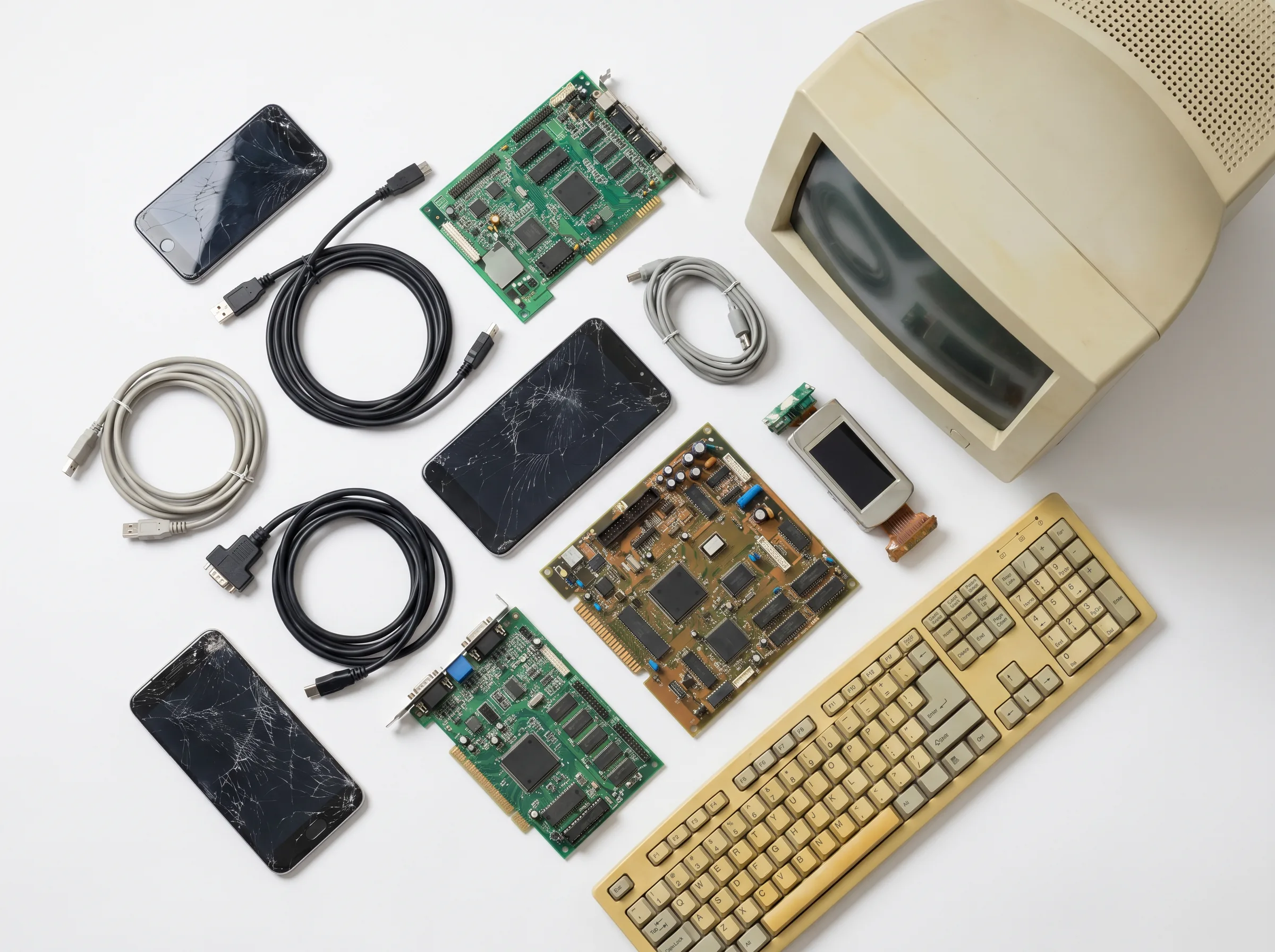
If your computer has a removable battery, set it aside — batteries are handled under separate hazardous-waste rules. Gather the cables, keyboard, mouse, and any peripherals too. These can all be recycled along with the computer itself, so there's no need to separate them into the trash. Keeping everything together also makes the pickup faster.
Step 4: Recycle the Computer Responsibly
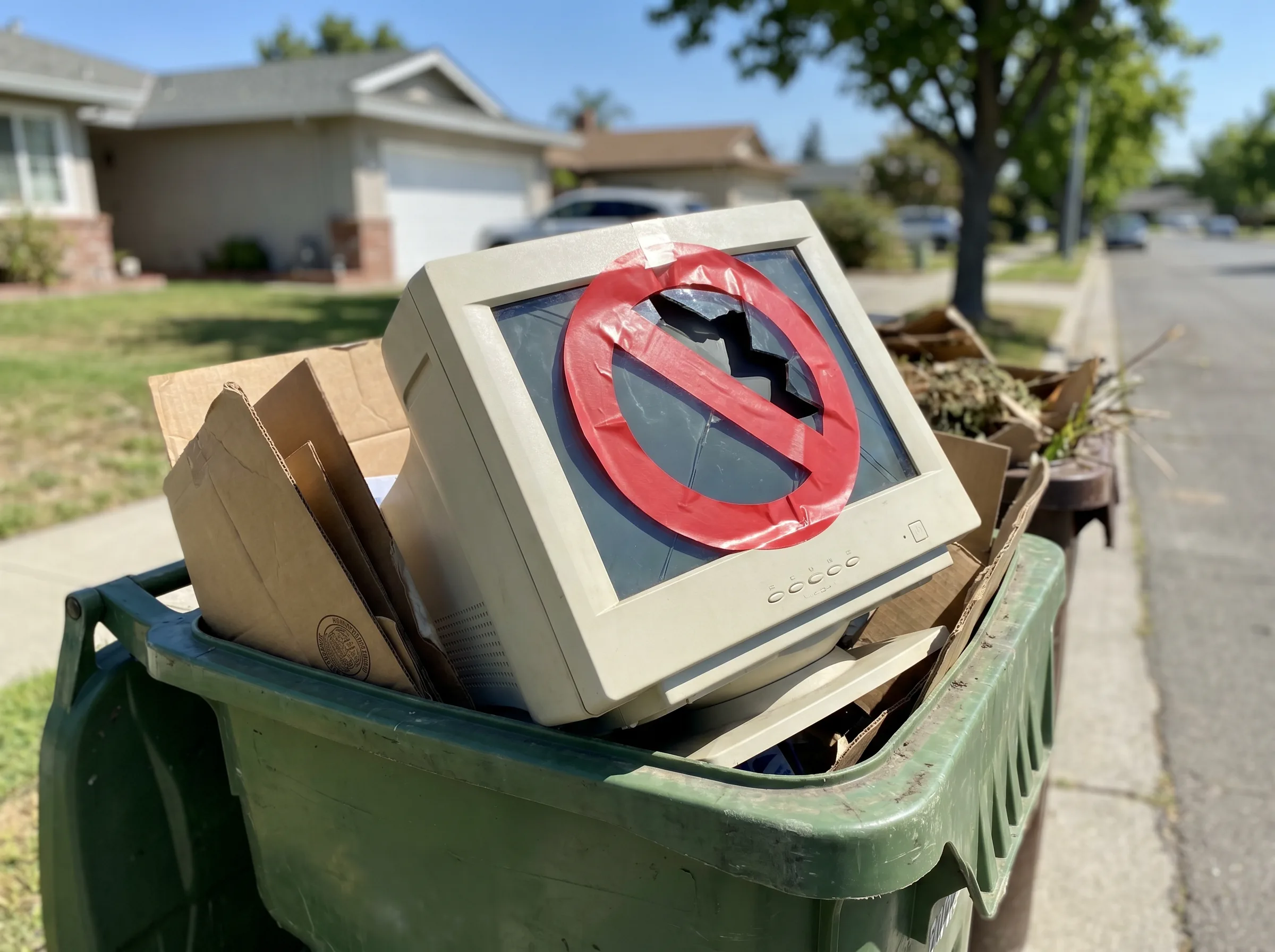
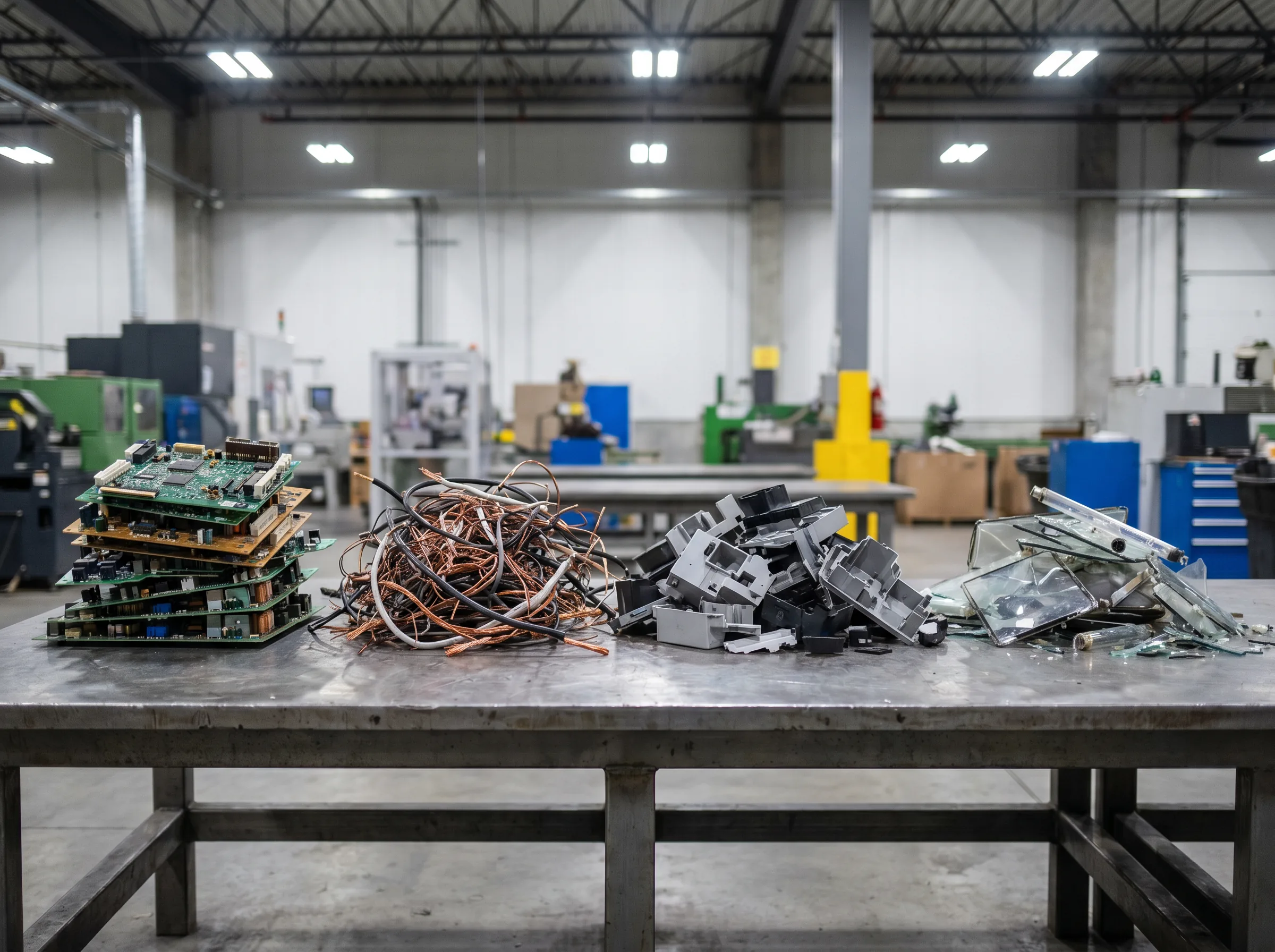
Never put a computer in the trash. In California, computers and monitors are classified as hazardous e-waste and can't legally go to a landfill. Instead, send them to a proper recycler where the metals, glass, and plastics are recovered and the hazardous components are handled safely. Whether you have a single machine or a whole office of them, a pickup service takes care of the transport and recycling in one step.
What About Old Monitors, Printers, and Phones?
Computers aren't the only devices that need careful disposal. Old monitors — especially bulky CRT models — contain leaded glass and are among the most important items to recycle rather than trash. Printers, phones, tablets, and networking gear follow the same rules: they can't go in the garbage, and phones in particular often hold as much personal data as a computer. Treat every connected device the same way you'd treat a computer.
The good news is you can recycle all of these together. There's no need to sort electronics into separate piles or make multiple trips — a single pickup can take your computer, its monitor, the printer, and every cable and peripheral at once. That makes clearing out a home office or a business far simpler than most people expect.
Step 5: Schedule a Pickup in the Inland Empire
You don't have to load up your car and search for a drop-off site. Across Riverside and San Bernardino counties, you can schedule an e-waste pickup and have a crew collect your old computers directly. For homes, a residential e-waste pickup handles everything at once. Combine it with secure data destruction and you get the best of both worlds: your information is protected, and your old equipment is recycled the responsible way.